One tap on a card opens a café's menu, a barber's booking page or a Google review page. Learn to source them, set them up and pitch them to businesses near you, step by step.
A tiny chip inside the card stores a web link. Hold a phone near it and that page pops up. No app, no typing, no searching. Pick a business and try it.
Interactive example
NFC tag foundbeanandco.co.uk/menu
Ready to tapHold near an NFC card
Cafés · menus
Their menu. One tap away.
A customer sits down, taps the stand on the table and the café's menu opens. No typing a web address, no hunting for the right page.
What opens
The café's existing online menu.
What you sell them
A card or stand in their branding, with their link written on it, tested and ready to use.
Your opening line
“Got a digital menu? I can put it one tap away from every table.”
This is a simulation. Real cards need a phone with NFC switched on, and internet for online pages. A tap opens the page; the customer still chooses whether to book, review or follow.
Here's your part
Source it. Set it up. Sell the setup.
You don't need a shop, a website or a big budget to start. You need one sample and one conversation.
01
Get a sample
Message a supplier from your contact list about a card or stand, printing and delivery. Start with just one.
02
Write the link
Put a business's link on the chip with a free app, then test it on a few different phones until it's spot on.
03
Show a business
Let the owner tap it themselves. Use a ready-made opening line so you know exactly what to say.
04
Quote & deliver
Price the finished product plus your time, order their design, write and test every card, then hand them over.
One sample. One business. One conversation to get started.
You run your own project: you source samples, approach businesses and fulfil the orders you win. Your margin is your selling price minus product, printing, shipping and other costs.
What you could sell
Small things businesses actually use.
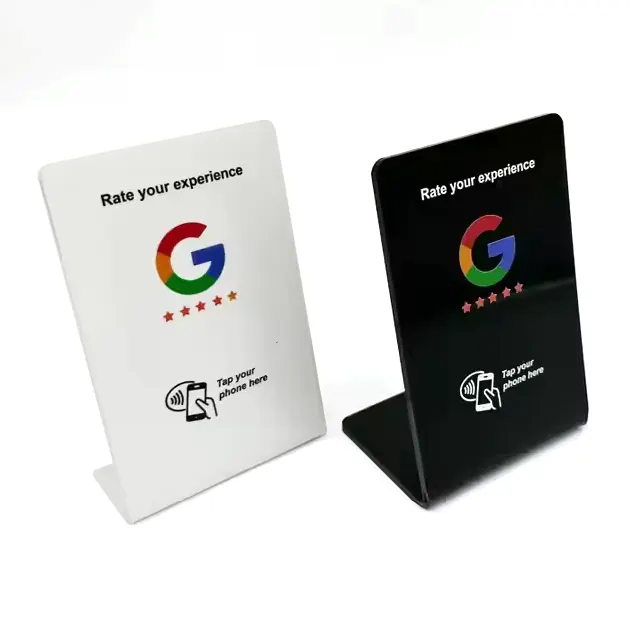
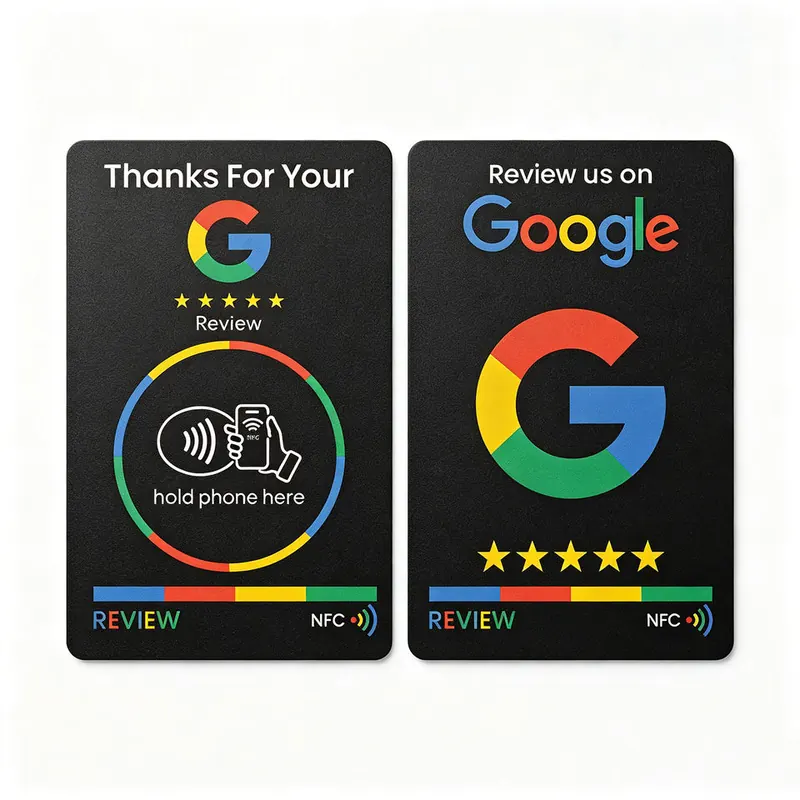
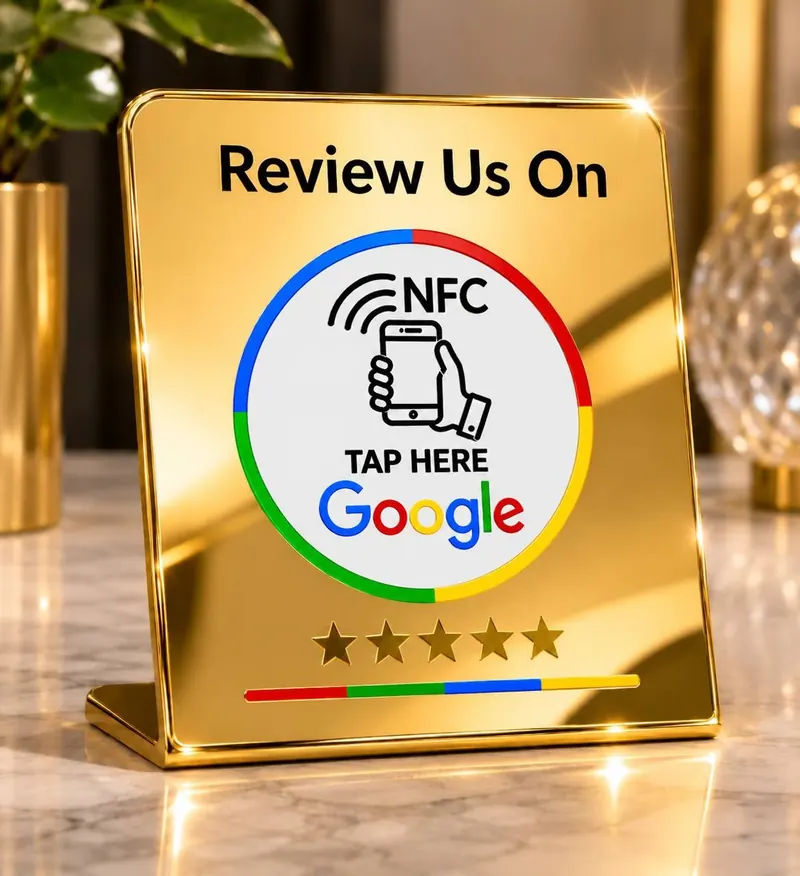
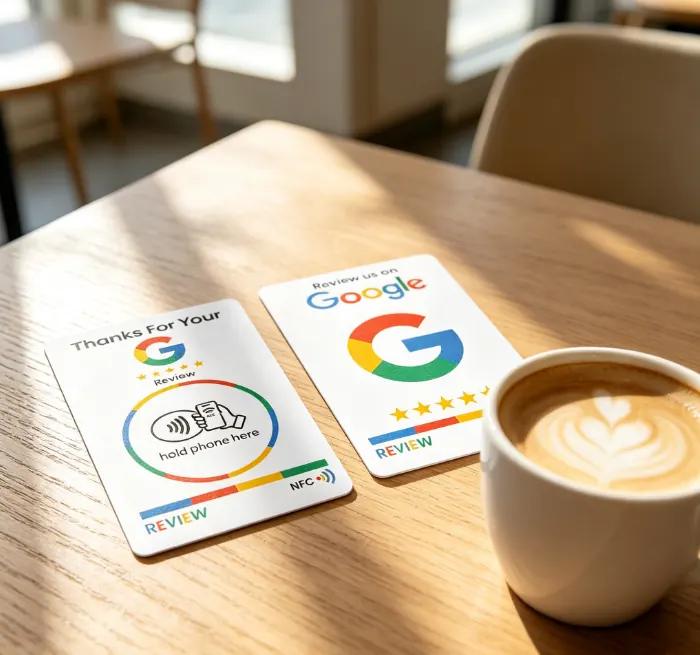
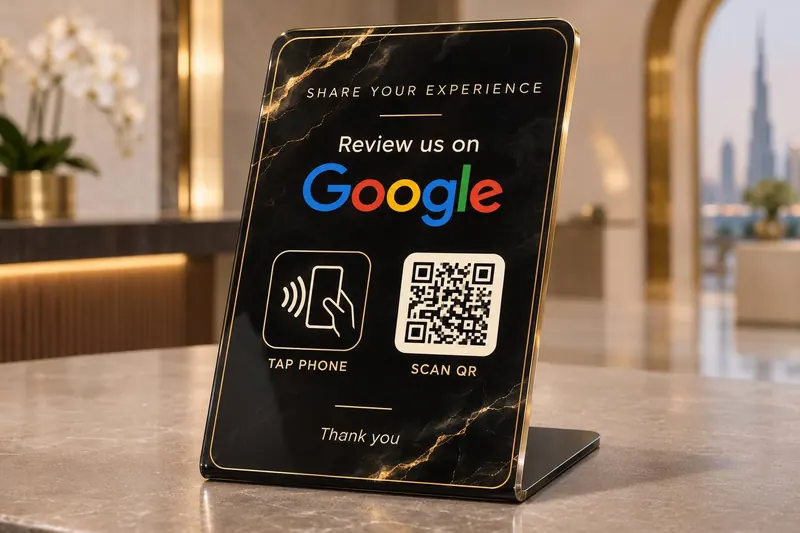
Review stands for the counter, cards for the till and custom designs in the business's own colours. You choose what to offer.
Counter standsTap to open a Google review page
Review cardsHand them over at the till
Design example
Premium finishesGold and mirror looks for salons
Table cardsFor cafés and restaurants
Design concept
Custom artworkThe business's own branding
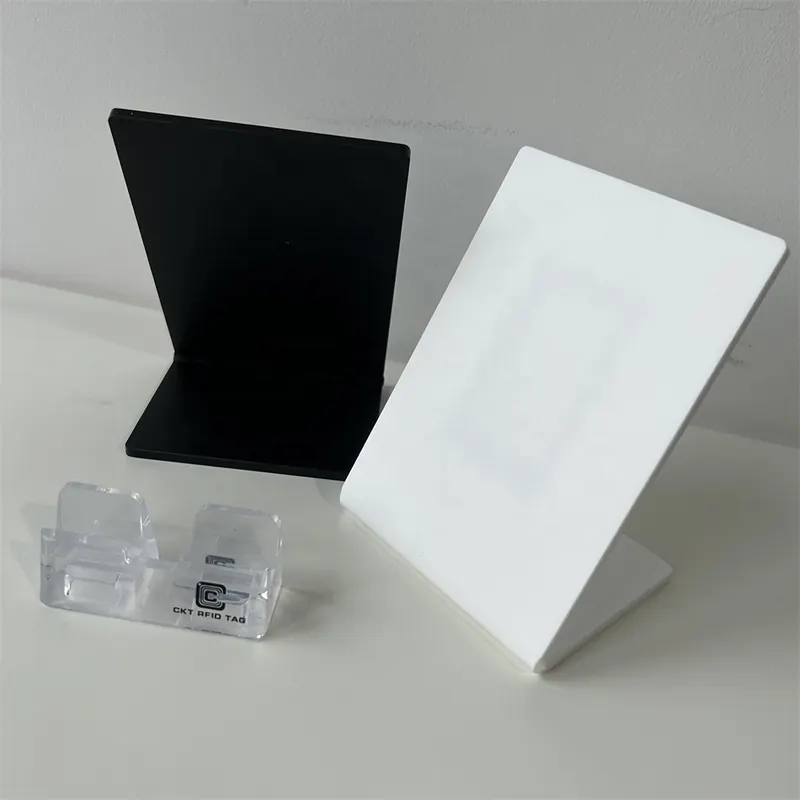
Blank standsPrint any design on them
Examples from supplier listings and design concepts. Physical products, printing and shipping are bought separately.
What's inside
The know-how for your first sample.
Short PDF lessons, captioned video guides, supplier contacts and messages you can copy and adapt. No fluff.
6 PDF lessonsLight: 3 · Pro: all 6
1
Build a useful demonstration
Pick the page first, then the chip, material and format that suit it.
Light + Pro
2
Write, check and hand over
A repeatable way to write, test and hand over every card in an order.
Light + Pro
3
Build review and booking journeys
Set up cards that take customers straight to the right review or booking page.
Light + Pro
4
Compare suppliers and samples
Get comparable quotes, order your own design and approve a sample.
Pro
5
Quote an order
Put the product, your work and shared costs into one clear price.
Pro
6
Have a useful customer conversation
Show the tap, ask good questions and make a specific offer.
Pro
Video guidesShort walkthroughs with English captions.Light 1 · Pro 2
Supplier contactsSourcing leads for stands, cards and tags.Light 2 · Pro 4
Message templatesSupplier enquiry and first pitch. Pro adds quotes and follow-ups.Both packs
Email supportStuck on a step? Reply to your delivery email and ask.Both packs
The creator's sales week
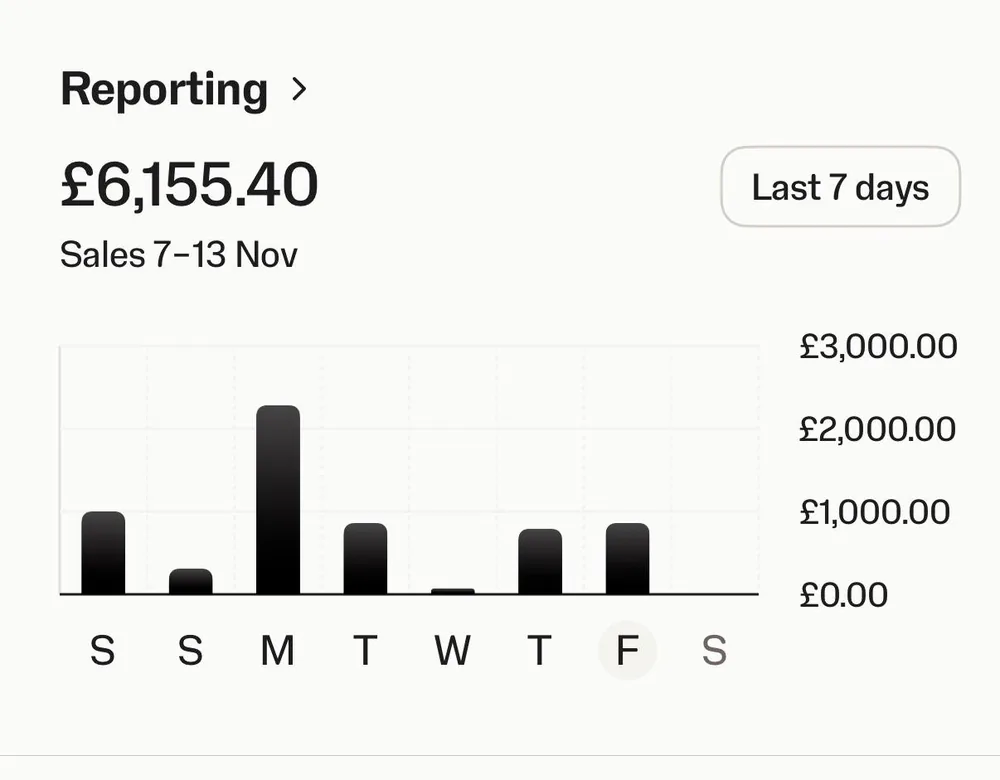
One week. £6,155.40 in sales.
A sales week shared by the course creator, who says they were still a beginner at the time. The course gives you the steps they used. It can't promise you the same result.
This is the creator's own reported result, not a typical one. Sales aren't profit. What you make depends on your effort, your area, your prices and your costs.
Creator-reported sales7–13 November
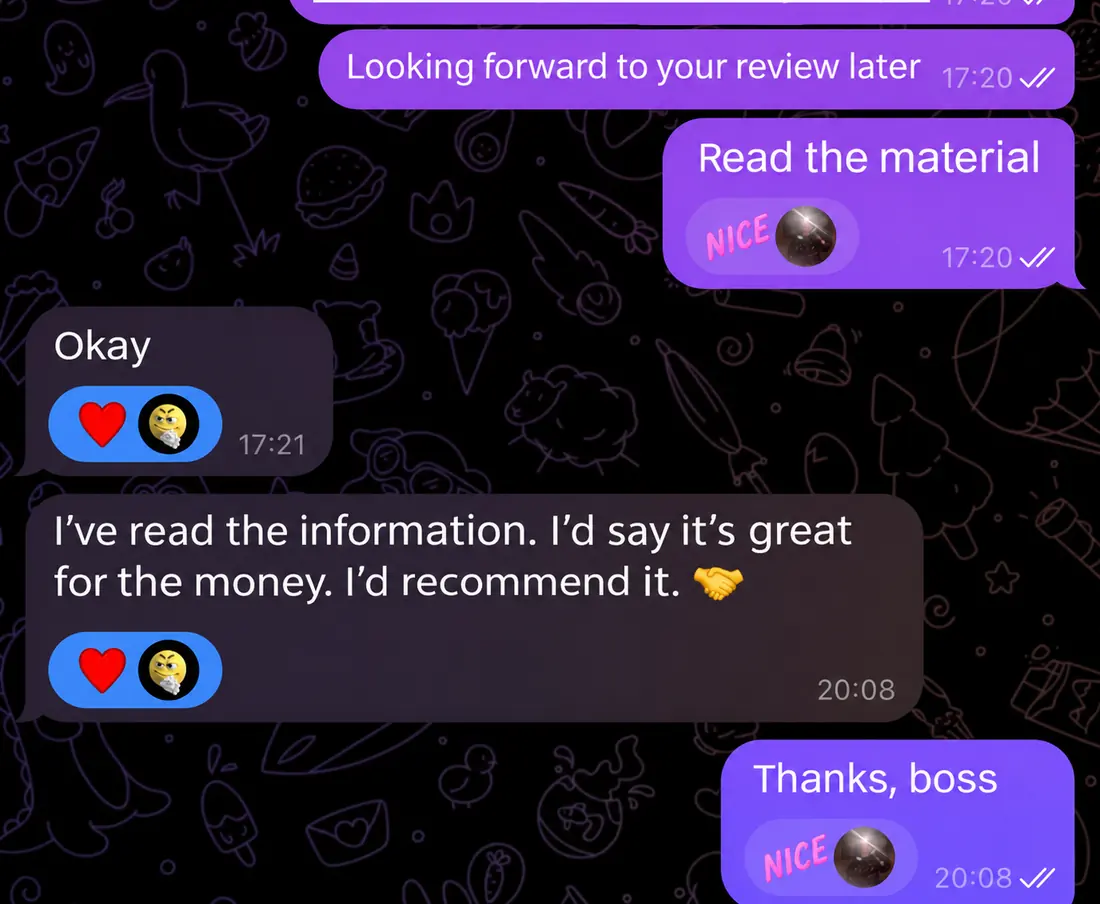
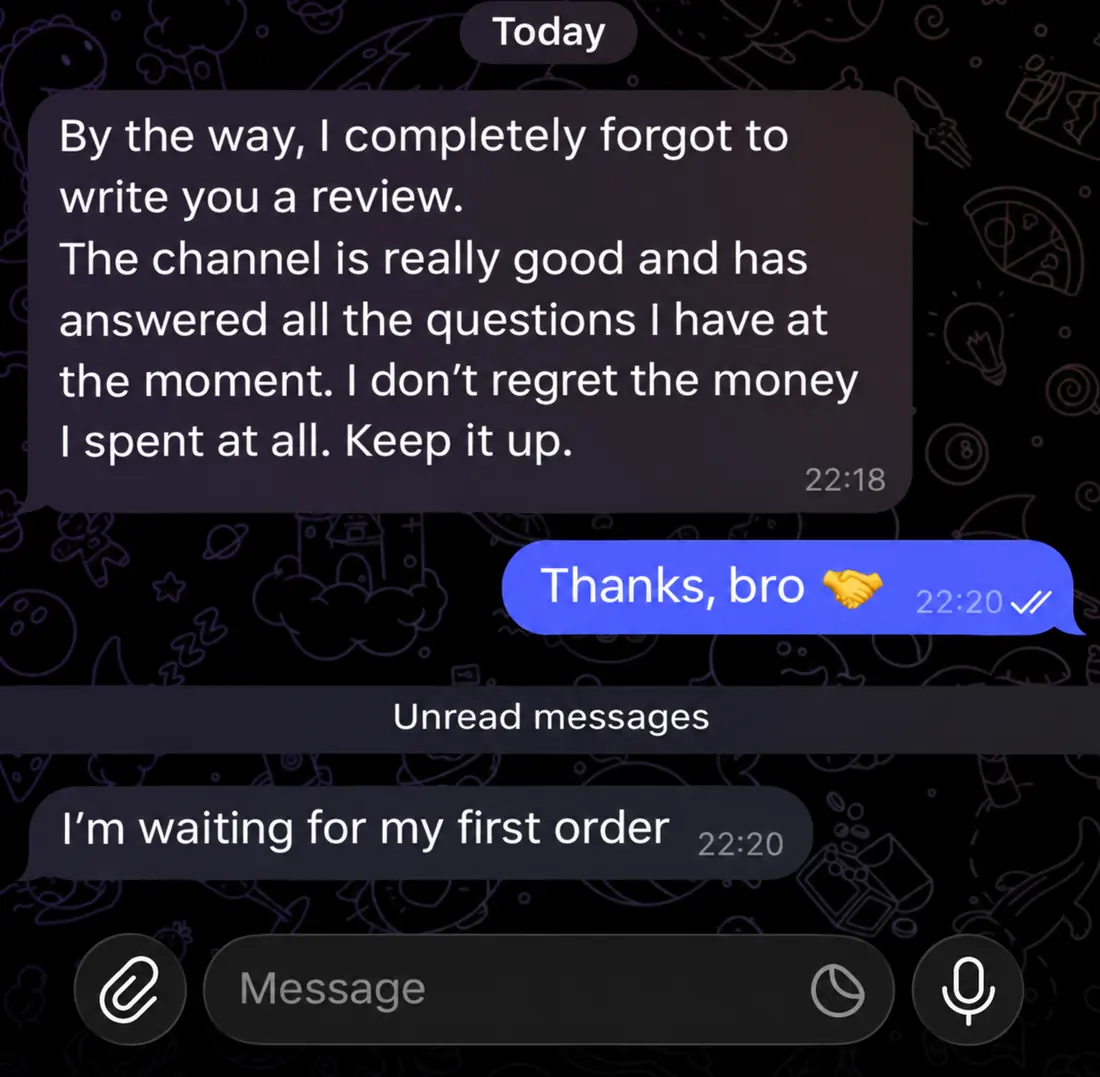
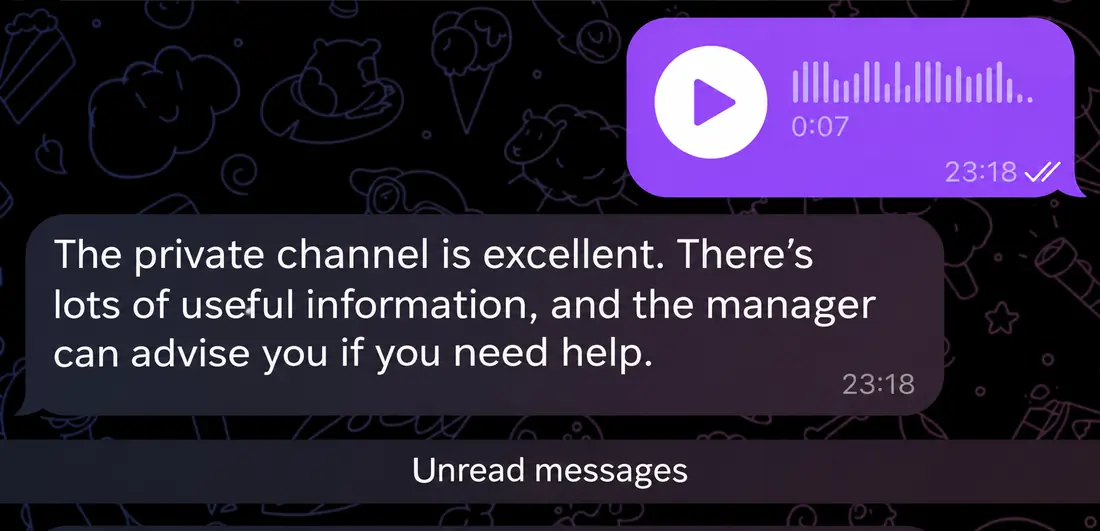
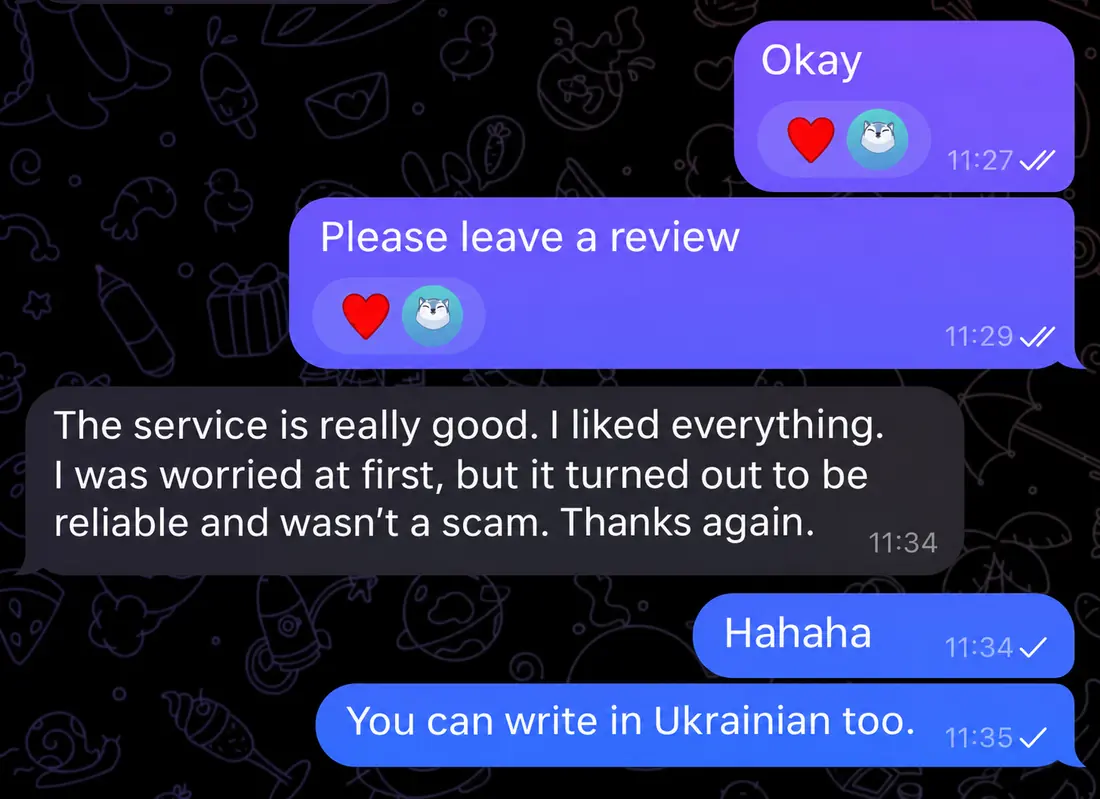
Customer messages
Less guesswork. More getting started.
19 messages from customers of our earlier private-channel training, translated into English. Tap any one to see the full message.
SUPPLIER HELP
Help choosing the right cards
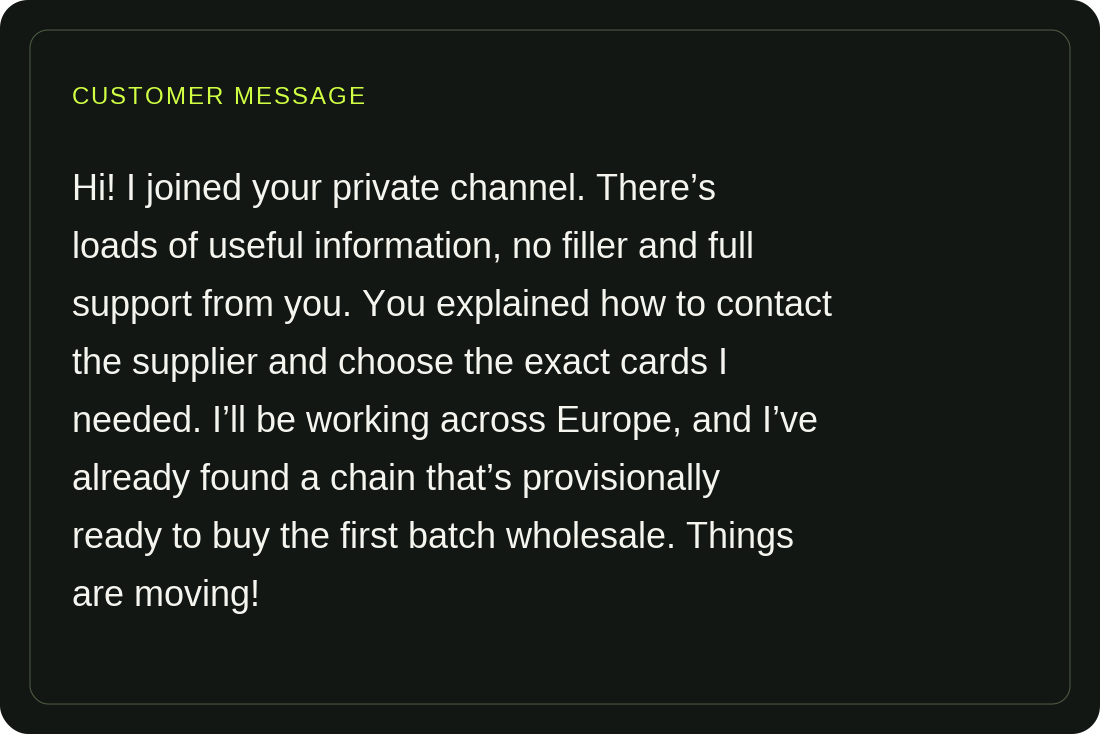
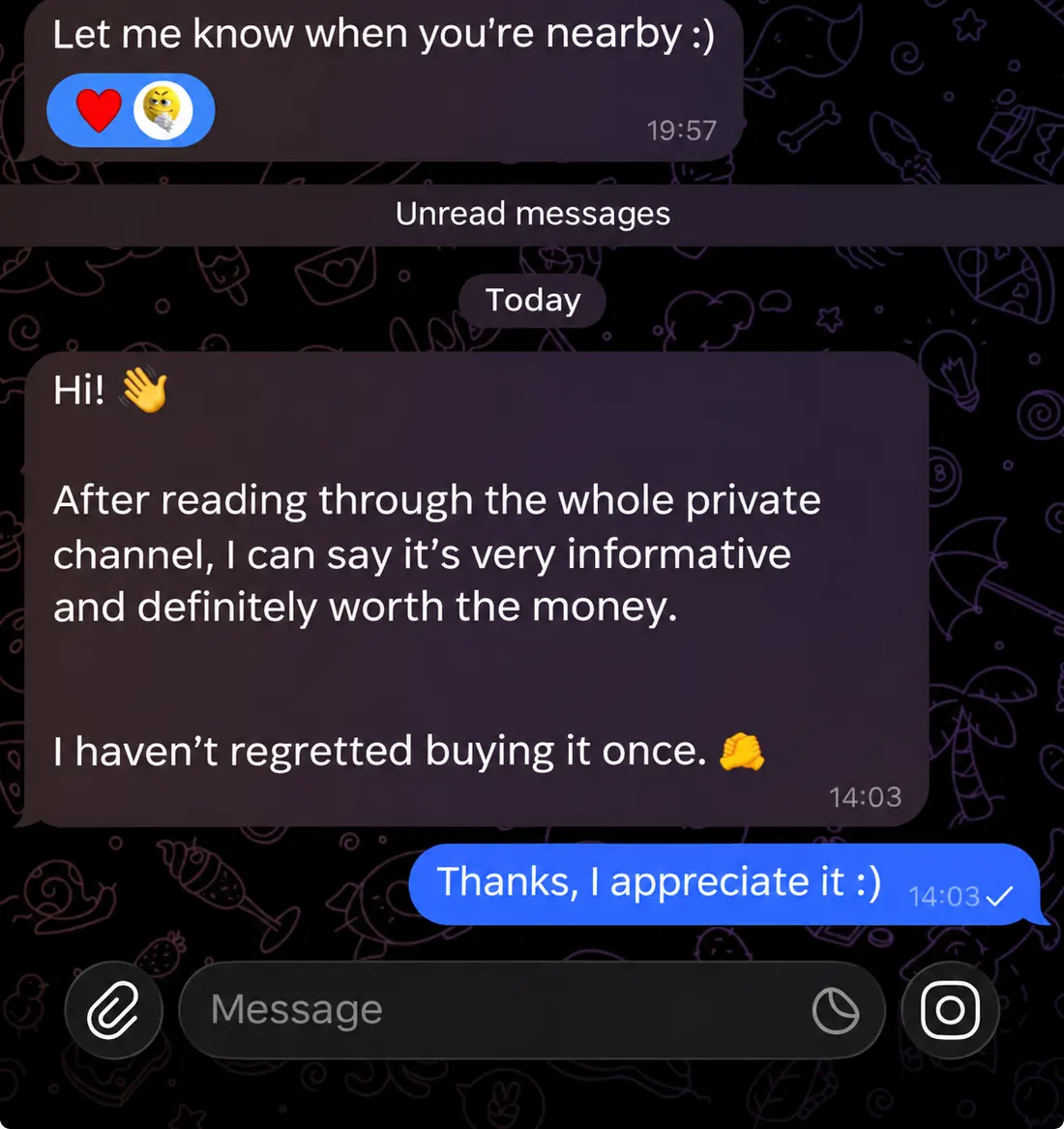
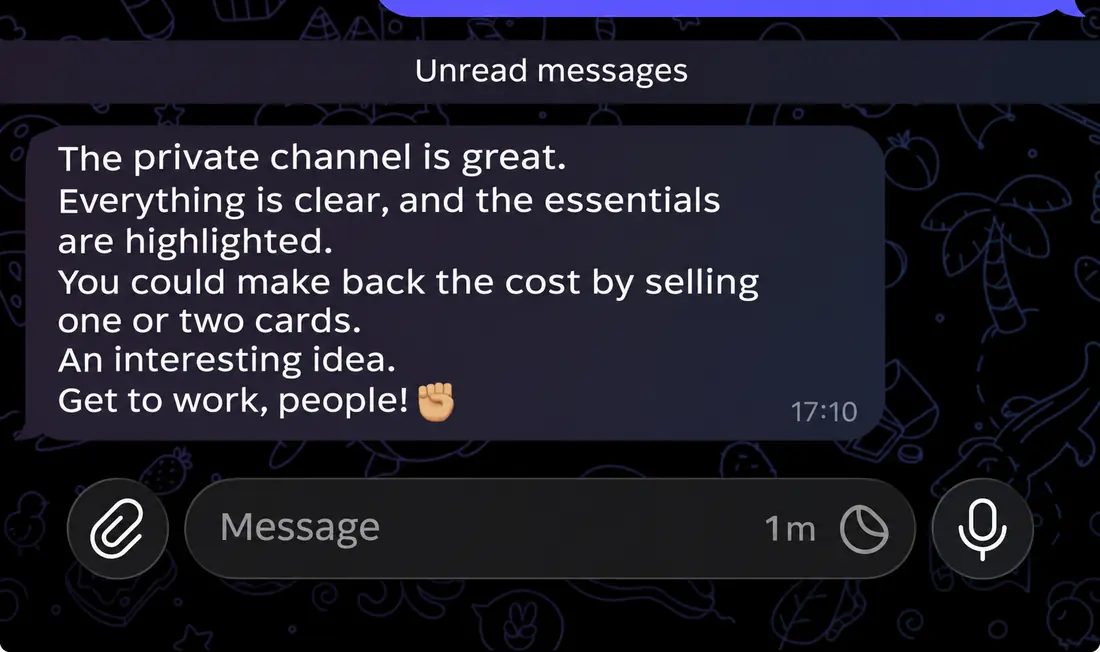
“Loads of useful information, no filler and full support. You explained how to contact the supplier and choose the exact cards I needed. I’ll be working across Europe, and I’ve already found a chain that’s provisionally ready to buy the first batch wholesale.”
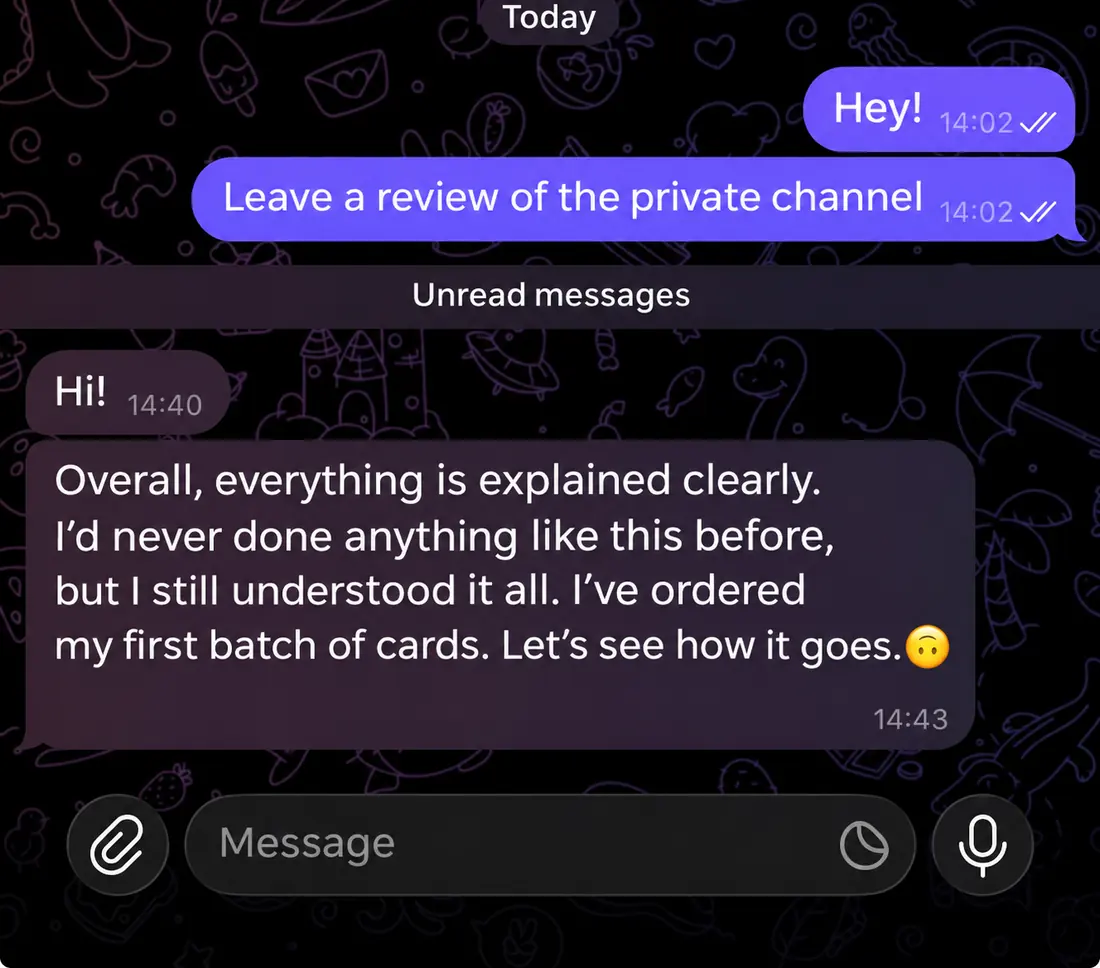
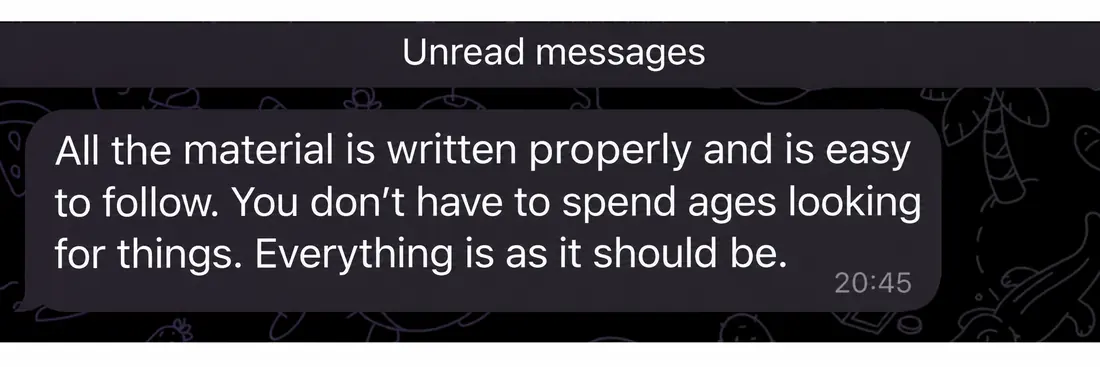
“Everything is explained clearly. I’d never done anything like this before, but I still understood it all. I’ve ordered my first batch of cards. Let’s see how it goes.”
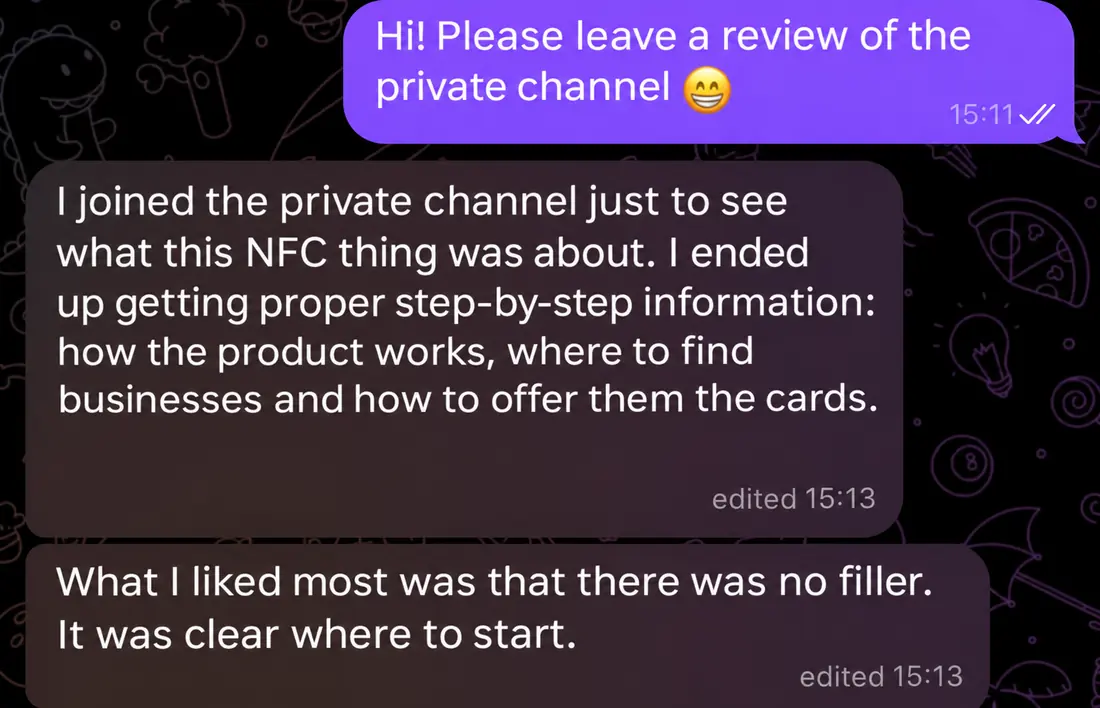
“I got proper step-by-step information: how the product works, where to find businesses and how to offer them the cards. What I liked most was that there was no filler. It was genuinely clear where to start.”
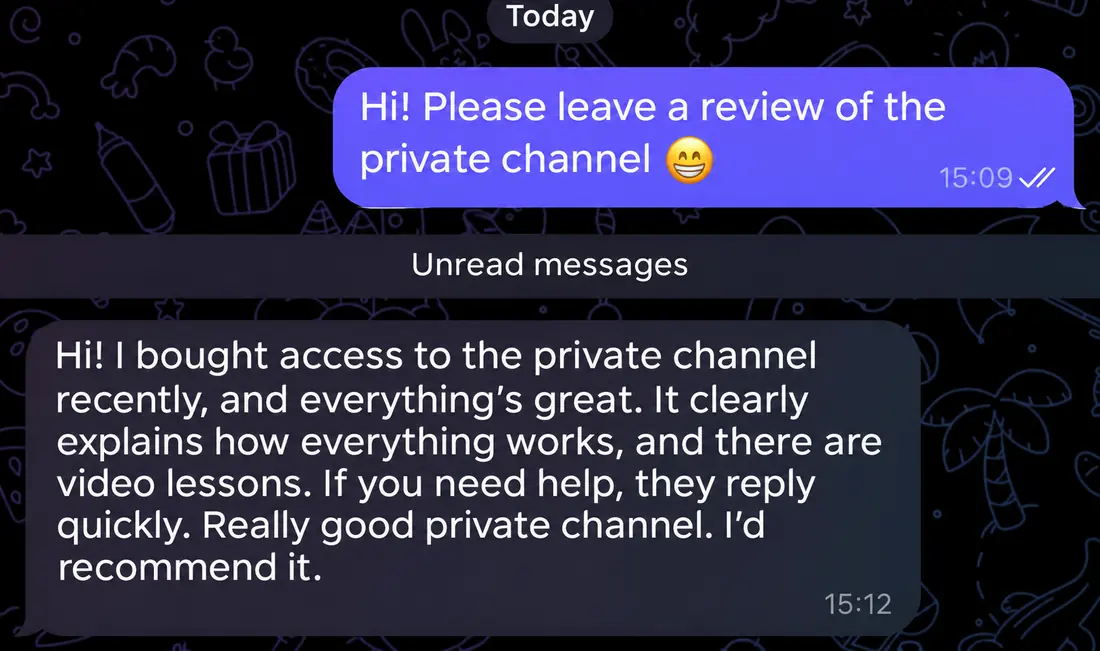
“It clearly explains how everything works, and there are video lessons. If you need help, they reply quickly. Really good private channel. I’d recommend it.”
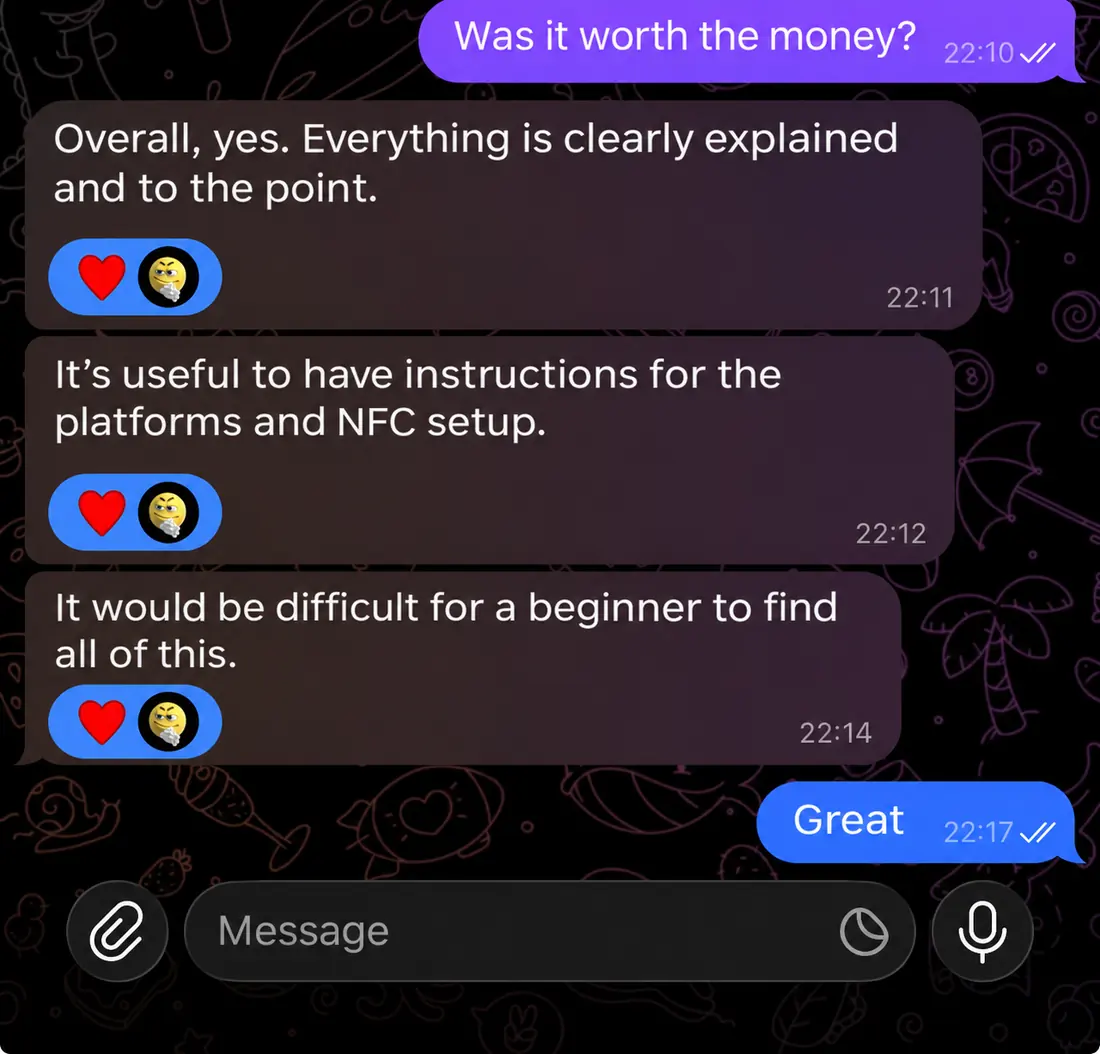
“Everything is clearly explained and to the point. It’s useful to have instructions for the platforms and NFC setup. It would be difficult for a beginner to find all of this.”
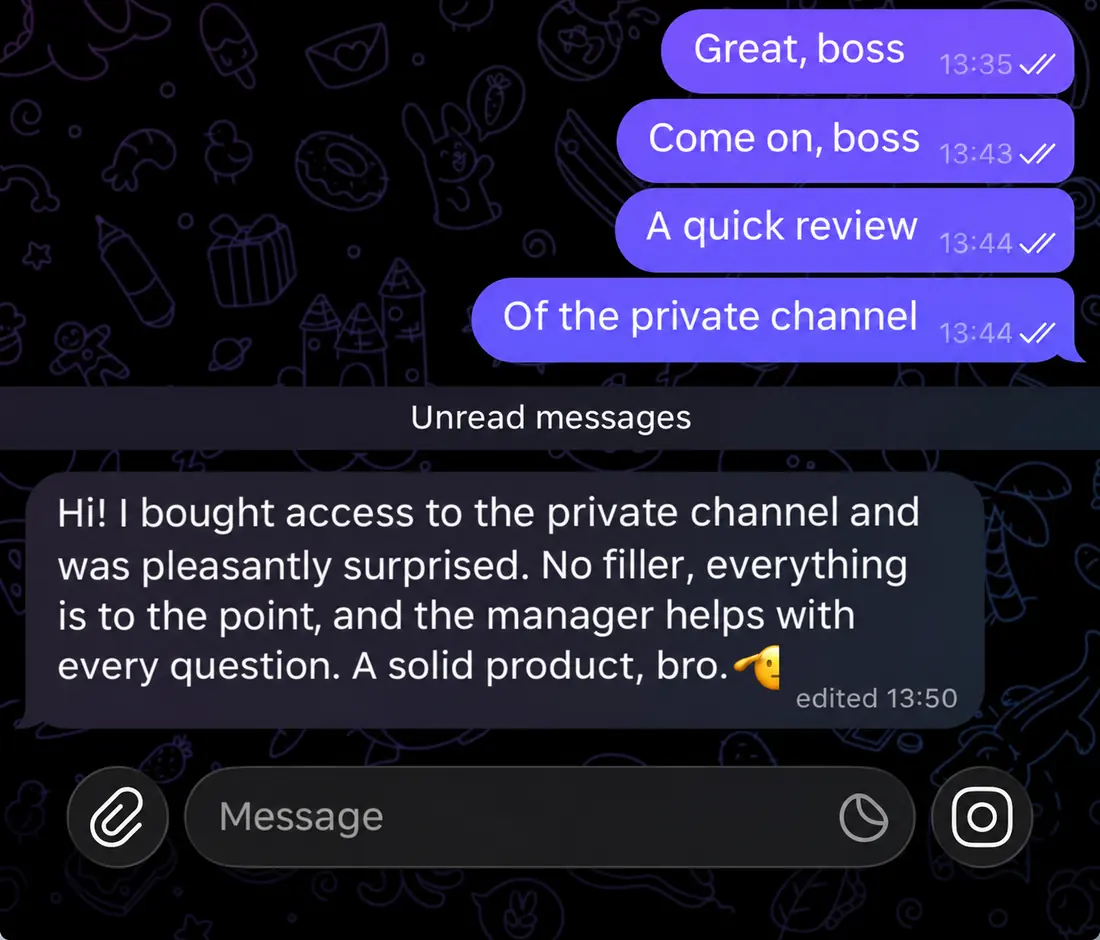
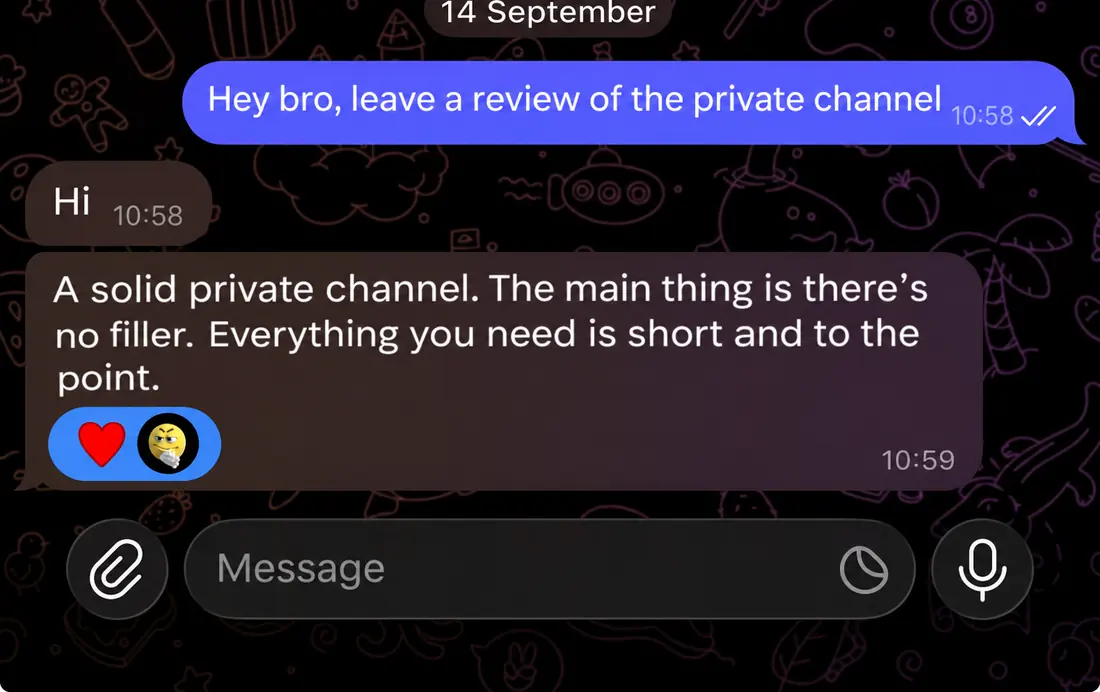
“I bought access to the private channel and was pleasantly surprised. No filler, everything is to the point, and the manager helps with every question. A solid product.”
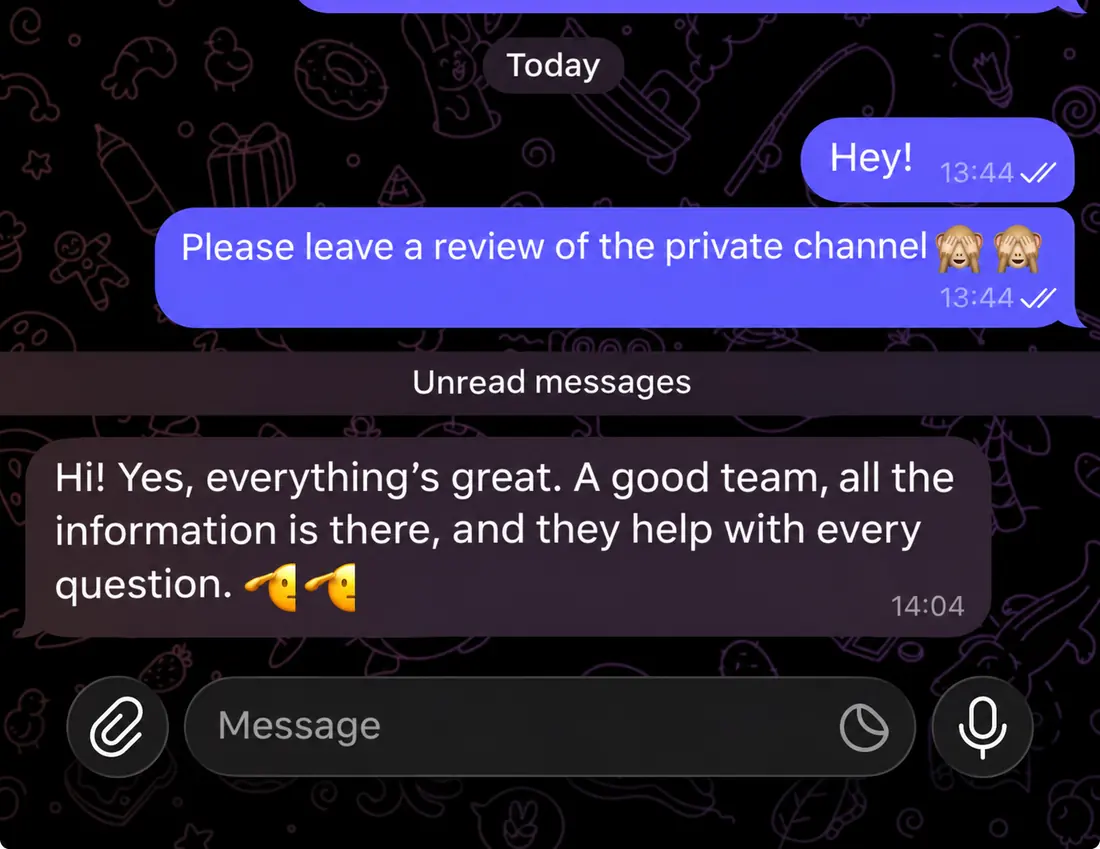
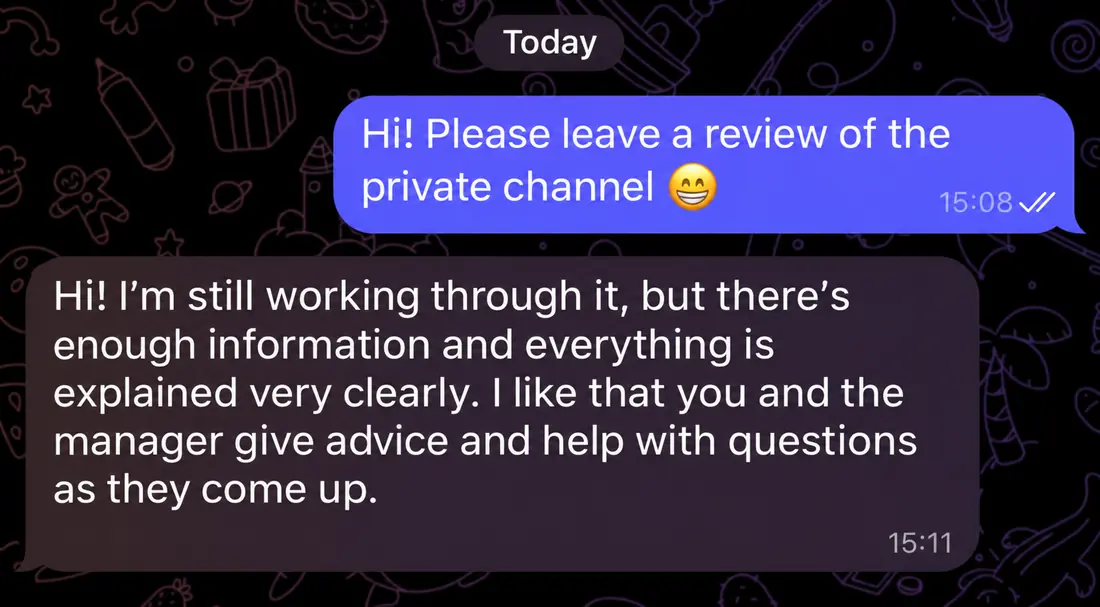
“I’m still working through it, but there’s enough information and everything is explained very clearly. I like that you and the manager give advice and help with questions as they come up.”
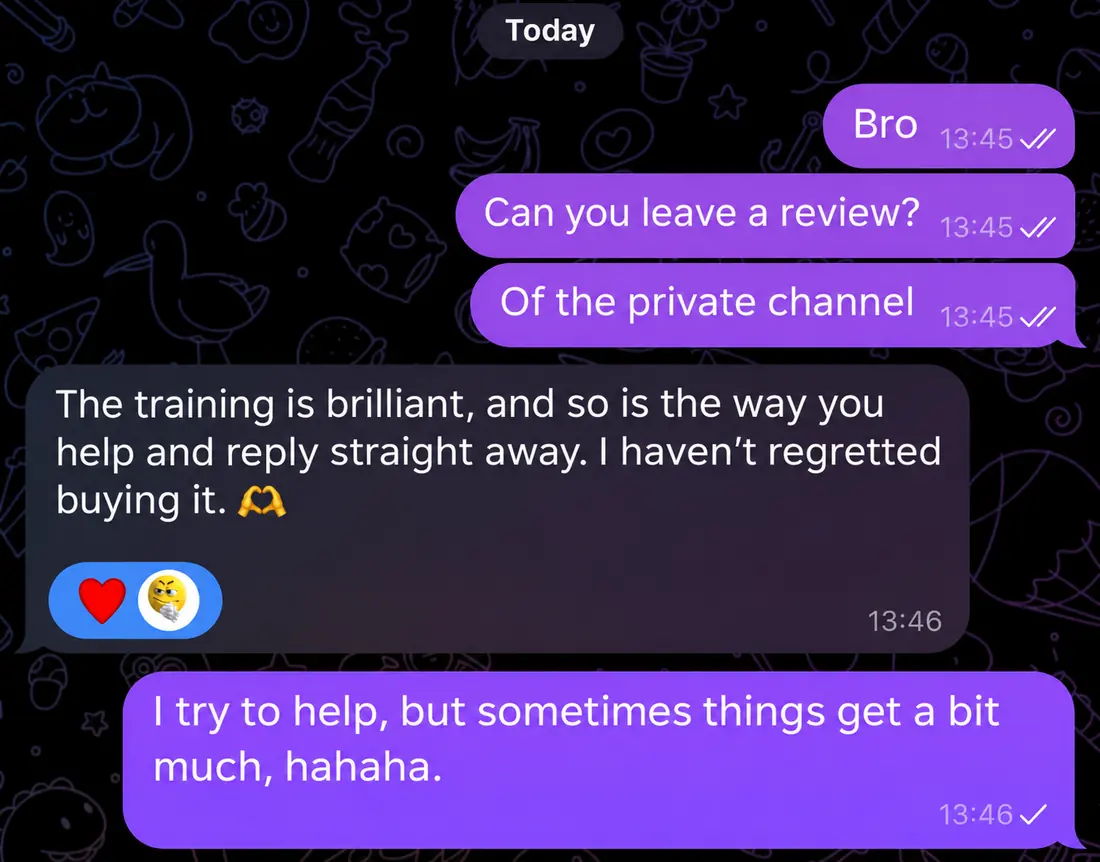
“The channel has answered all the questions I have at the moment. I don’t regret the money I spent at all. Keep it up. I’m waiting for my first order.”
They hold a compatible phone close to the card or stand, then open the link that pops up. It can lead to the business's menu, booking page, Google review page or social profile. The customer still chooses whether to book, review or follow.
Which phones can read NFC cards?
Most modern phones. iPhone XS and newer read NFC tags without an app. On Android, NFC usually needs to be switched on in settings. Always test your card on a few different phones before you hand it over.
Do I need to build an app?
No. You write a normal website link onto a writable NFC tag with a free app such as NFC Tools. The customer's phone needs internet to open the page. The lessons walk you through writing, testing and rewriting a card.
Is this for complete beginners?
Yes. You don't need any NFC or sales experience. You will need a compatible phone, a writable sample product and some time to practise and talk to local businesses.
Is this a get-rich-quick thing?
No. It's a practical how-to: the product, the setup, the suppliers and what to say. Whether you make sales depends on your effort, your area, your prices and your costs. We don't promise customers, sales or income.
What's the difference between Light and Professional?
Light gives you 3 core PDF lessons, a starter kit, 1 captioned video, 2 supplier contacts, starter messages and email support. Professional has all 6 lessons, a second video, 4 supplier contacts in total, custom design guidance, costing and quote templates, plus follow-up messages.
How do I get my pack?
Pay through Stripe and enter the email where you want the pack. We email your pack to you within 1 hour of payment, 8am–10pm UK time (overnight orders by 9am). It isn't an instant download, so keep your receipt and check your junk folder.
How does support work?
Reply to your delivery email with your question. Tell us which step you're on and what you've tried. We help with the lessons, supplier enquiries, sample setup and preparing your pitch. You place your own orders and contact your own customers.
What else will I need to pay for?
Physical products aren't included. Budget for samples, any stock you order, printing, shipping and any third-party services you use. Start with one sample before you order a batch. Supplier contacts are research leads, not partners we have independently verified.
How do people make money with NFC cards?
By offering local businesses branded NFC cards or stands that open something useful, like their menu, booking page or review page, and charging a price that covers the product, printing, shipping and their time. Professional includes costing and quote templates to help you work out a price.
Can I pay by card or Apple Pay?
Yes. Checkout is handled by Stripe. Apple Pay shows up on supported devices. Both packs are a one-off payment in GBP, with no subscription.
Your “one day” needs a first step
The idea won't build itself.
You don't need your whole life figured out. Learn the setup, make a sample, start one conversation.